How to adjust text height on desktop.

Posts1796Likes1173Joined18/3/2018LocationBellingham / US
Native
English
Learning Cebuano
Other Chinese - Mandarin, French, German, Italian, Japanese, Korean, Lao, Portuguese, Russian, Spanish, Swahili, Tagalog, Thai

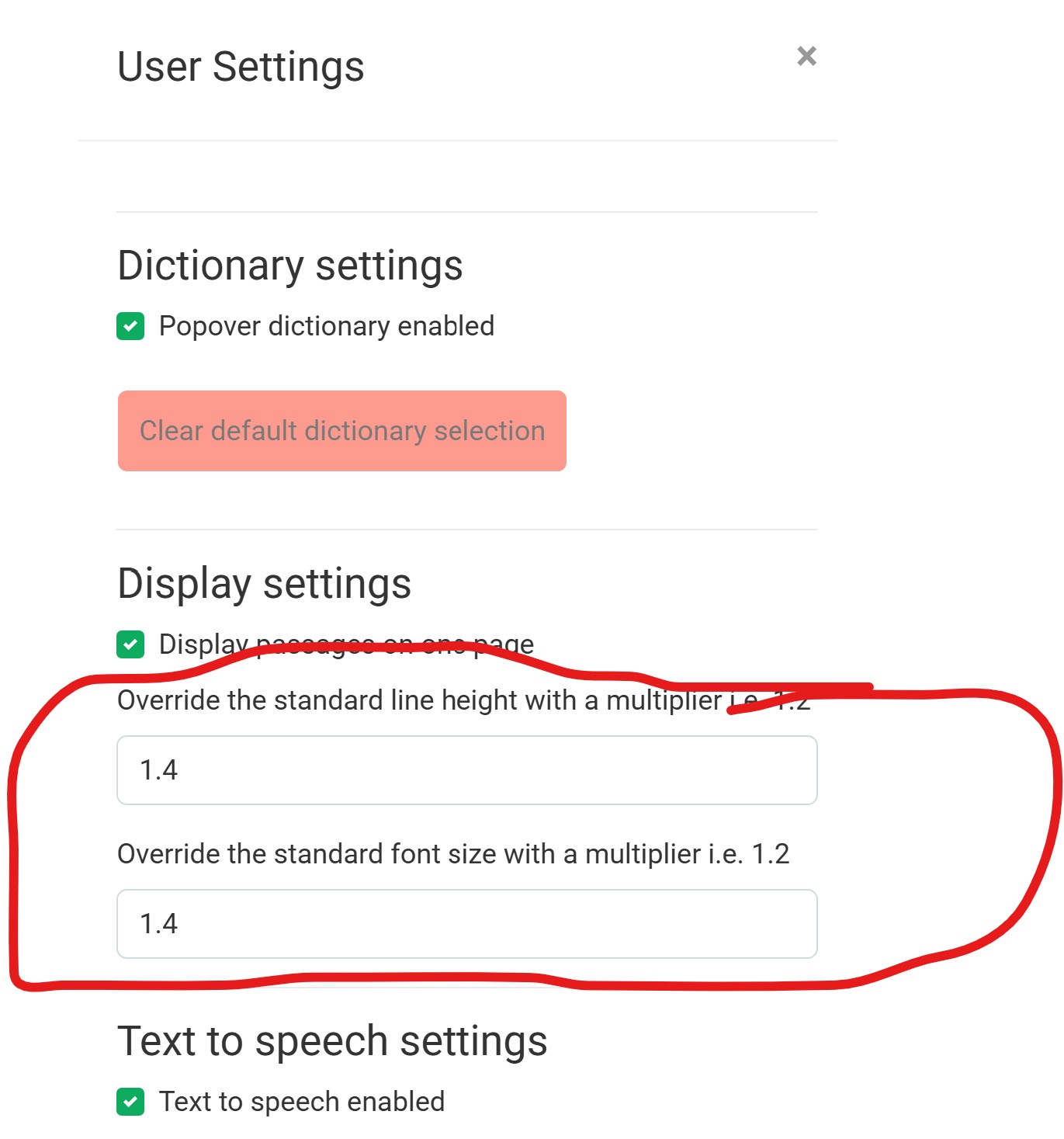
You may have noticed that text height on desktop has decreased. That’s because we added the ability to adjust it. Open a passage, go to settings> “Override the standard line height with a multiplier i.e. 1.2” and “Override the standard font size with a multiplier i.e. 1.2”


Creating Lao and Thai free resources.

Posted 
1
#1
    Feedback